Notion templates built for indie creators who want less clutter and more done. Instant download, lifetime access.

— spring soirée, no. 01
8 little treasures pasted in

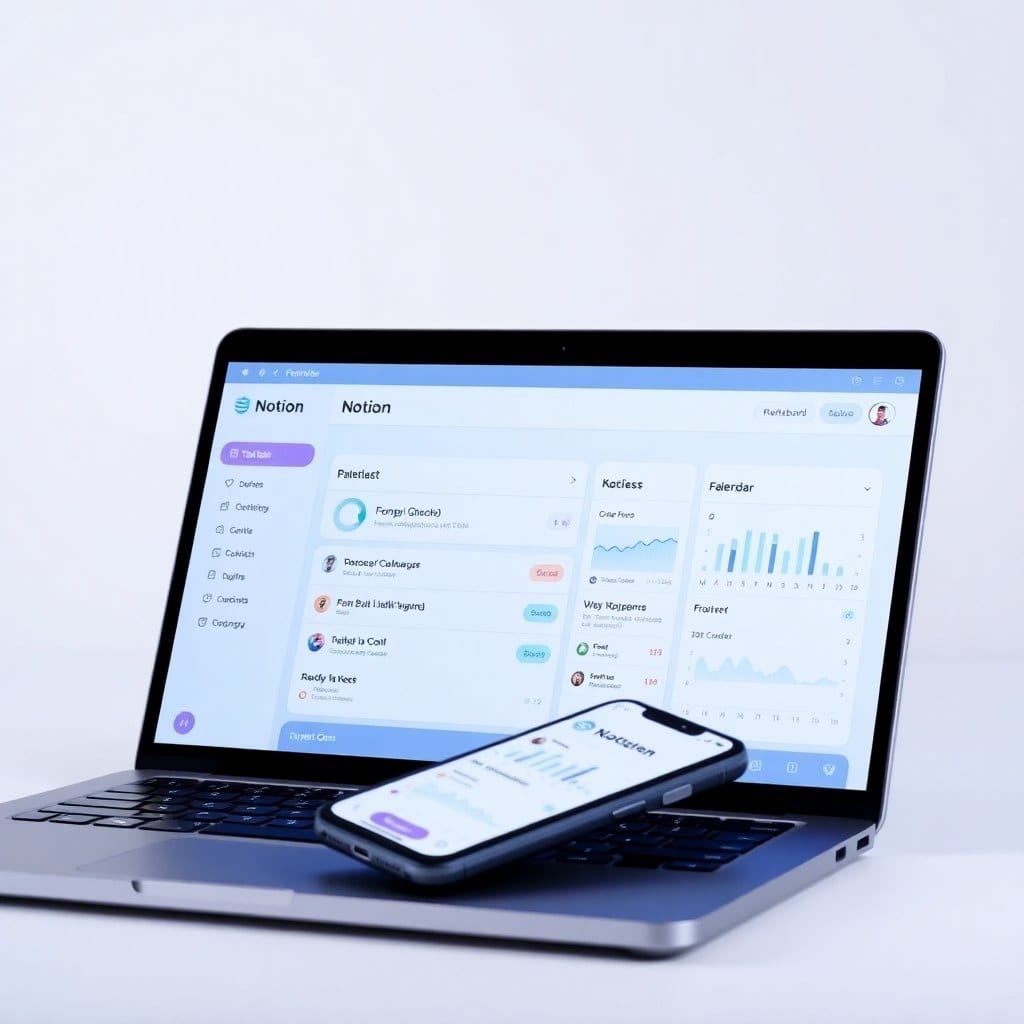
Tame the chaos of daily life with a single Notion dashboard that tracks tasks, habits, projects, and goals. Instantly downloadable as a ready-to-use template, it replaces scattered notes and sticky notes with one clean command center.
open this page →
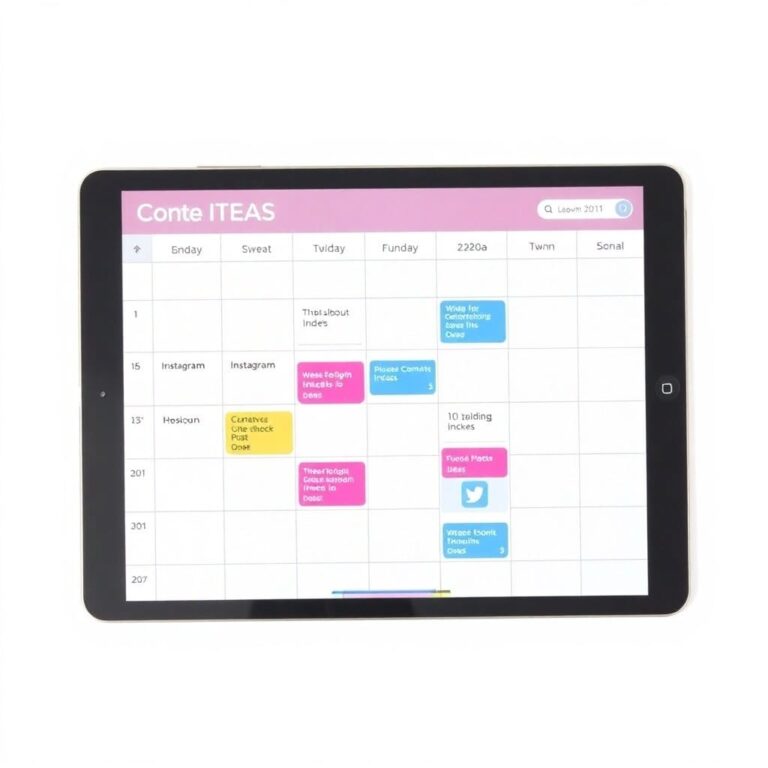
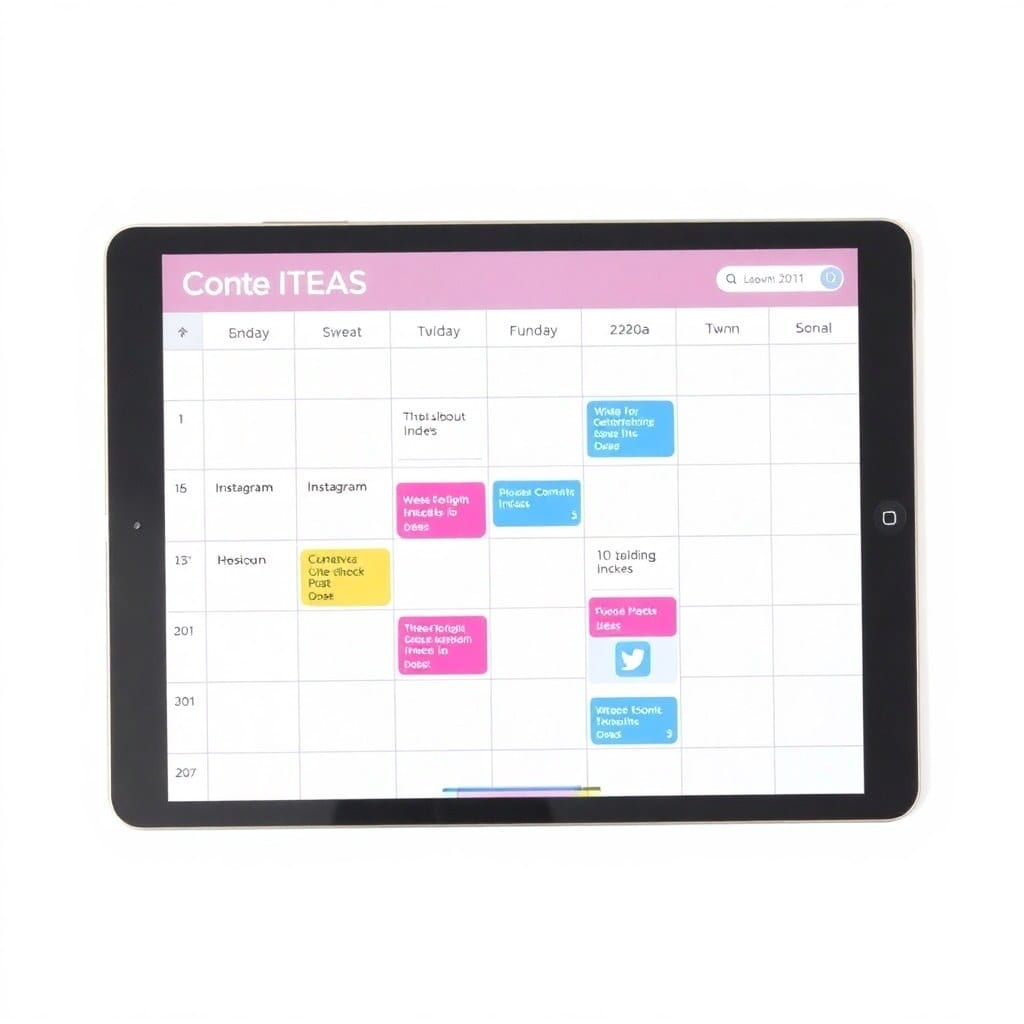
Plan and organize weeks of social media content in minutes. This Notion template includes a drag-and-drop calendar, content pillars, and analytics tracker—so you can stop scrambling for ideas and start posting consistently.
open this page →
Track invoices, expenses, and income effortlessly with this Notion template designed for freelancers. Get a clear snapshot of your cash flow and tax-ready reports without the headache of spreadsheets.
open this page →
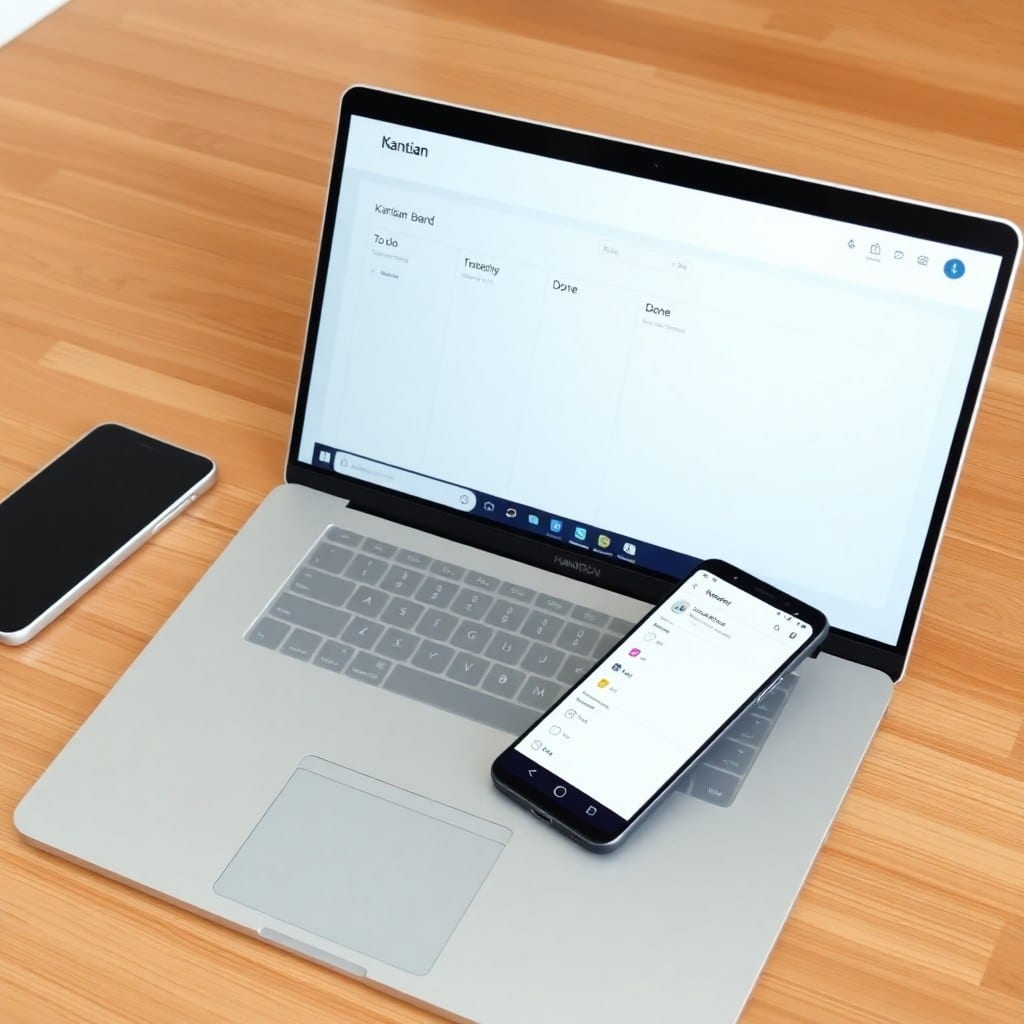
Manage any project from start to finish with this Notion template that includes task boards, timelines, and meeting notes. Replace Trello and Asana with a single, beautiful workspace—zero setup required.
open this page →
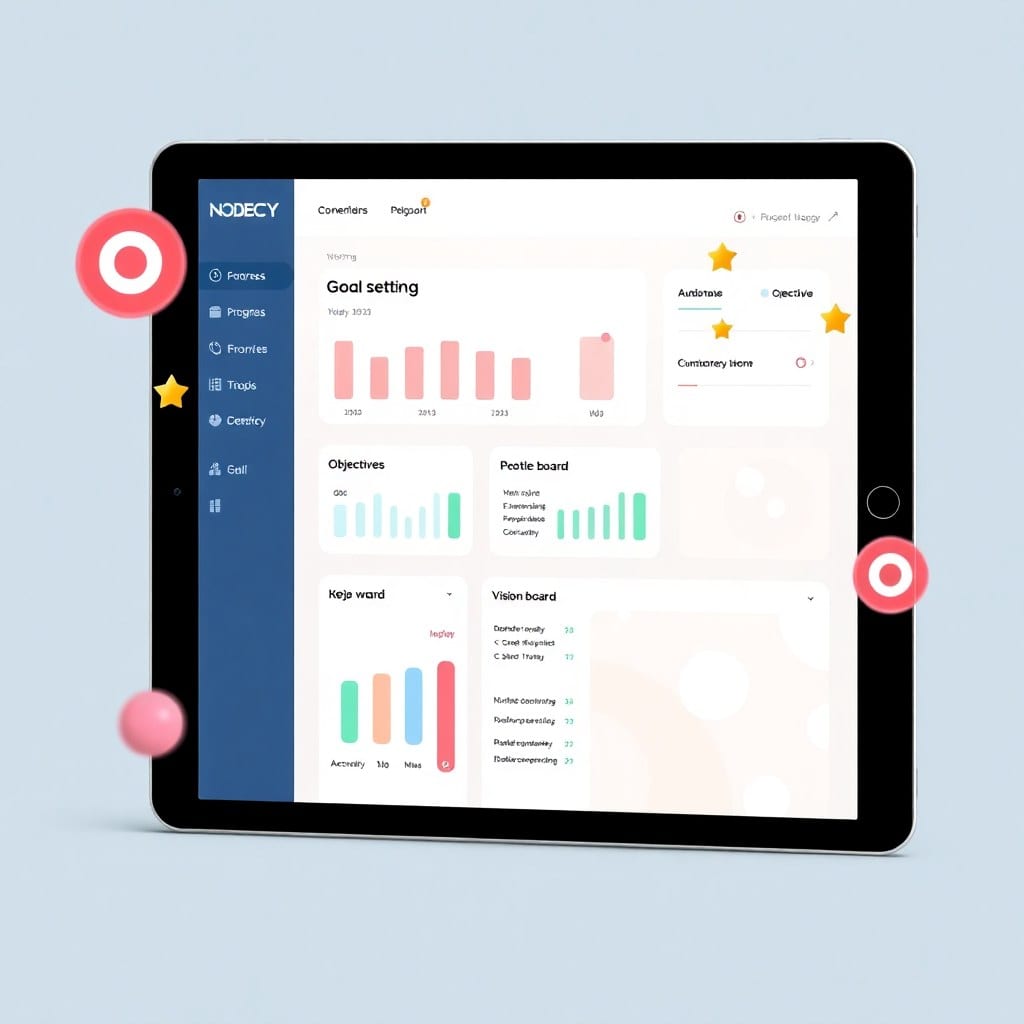
Set and track quarterly goals with clarity using this Notion template. Break down big dreams into weekly action steps and review progress visually—perfect for solopreneurs who want to actually achieve their OKRs.
open this page →
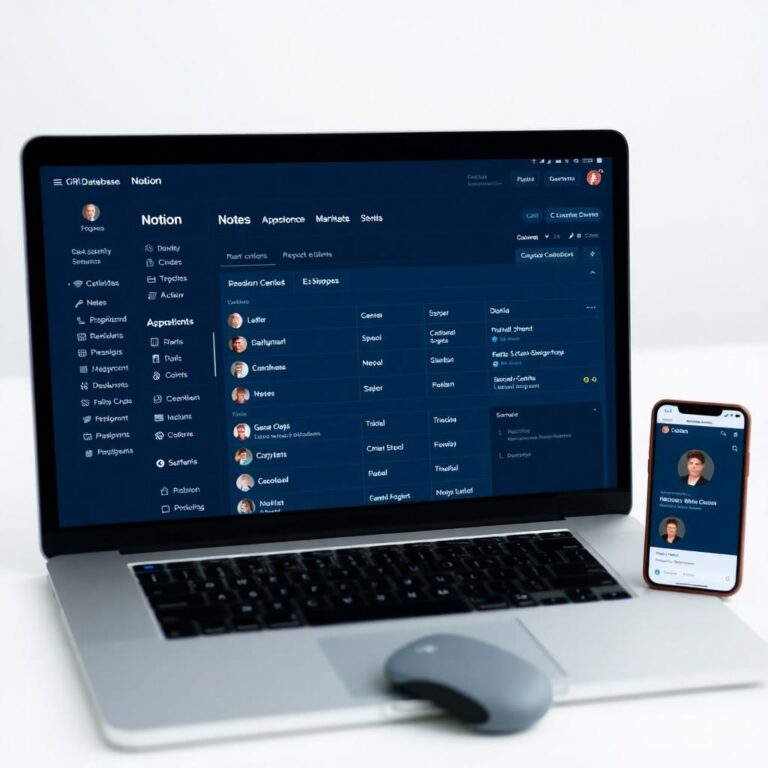
Never miss a follow-up or lose track of client details again. This Notion template centralizes contact info, communication history, and project status—so you can build stronger relationships effortlessly.
open this page →
Design your ideal day in under 5 minutes with this ultra-minimal Notion daily planner. Focus on top priorities, time blocking, and gratitude prompts—a simple ritual to reclaim your time.
open this page →
Launch your online course without the overwhelm. This Notion template guides you through curriculum design, content creation, and launch tasks—so you can go from idea to enrollment in half the time.
open this page →ShopKit started because I was tired of spending more time organizing my work than actually doing it. Every template here is one I use myself—tested through real client projects, content calendars, and product launches.
I focus on what actually moves the needle: a clear task system, a place for notes that don't get lost, and a dashboard you actually want to open. No bloated databases. No over-engineered automations. Just clean, functional systems that save you hours each week.
Immediately after purchase, you'll receive a link to duplicate the Notion template into your own workspace. No waiting, no shipping.
Because digital products can't be returned, all sales are final. But if something isn't working, email me and I'll help you set it up.
You get a Notion template link. No files to download—just duplicate and start using it in your browser or app.
Personal use only. You can use it for your own projects and clients, but you cannot resell the template itself or share it as your own.
Yes. If you get stuck or have questions, reply to your purchase email. I typically respond within 24 hours.
Yes, lifetime updates included. When I improve a template, you get the new version free. Just re-duplicate the original link.
I was spending 2 hours every Monday planning my week. This template cut it to 20 minutes. The dashboard actually makes sense.
Finally, a Notion system that doesn't feel like a second job. My content calendar went from chaos to a single view. Saved me 5 hours last week alone.
I've tried every productivity system out there. This one stuck because it's simple. No fluff, just what I need. My team now uses it too.
Notes, releases, and behind-the-scenes from the studio.
Most Notion databases are overcomplicated. Here's how to simplify and actually get things done.
Read post →A behind-the-scenes look at how one creator replaced 12 browser tabs with a single Notion page.
Read post →Stop building dashboards that look good but do nothing. Here's what actually matters for a one-person business.
Read post →A streamlined project tracker for indie creators who juggle multiple clients and side projects.
Read post →Asana, Trello, Monday—I tried them all. Here's why I came back to a simple Notion setup.
Read post →A practical walkthrough for creating a content calendar that doesn't become a graveyard of good intentions.
Read post →